A Facebook nickname is the extra name you add under About › Other names; it can show next to your profile name, and it is the usual place for a styled or shorter name. Want to change the main profile name instead? See Facebook ID names.
By NickFB · Updated 6 November 2026 · Name rules from the Facebook Help Center (date read); characters from the Unicode charts.
Try a stylish name
Where the nickname shows
With “Show at top of profile” on, the nickname appears in brackets after your name.
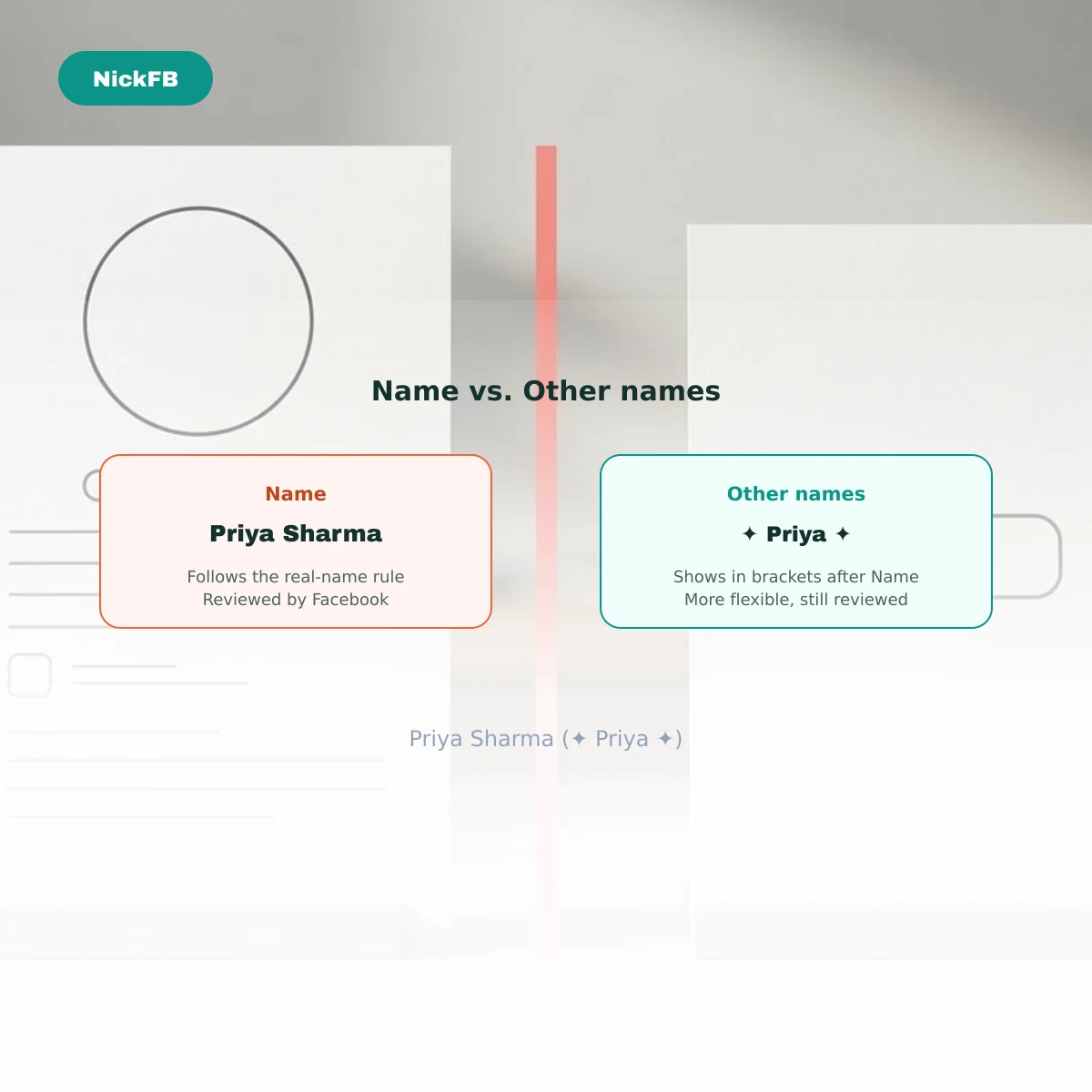
Facebook adds the nickname from About → Details about you → Other names next to the main profile name, for example “Priya Sharma (✦ Priya ✦)”. The toggle for showing it at the top of the profile is in the same Other names setting.
Nickname styles for boys and girls
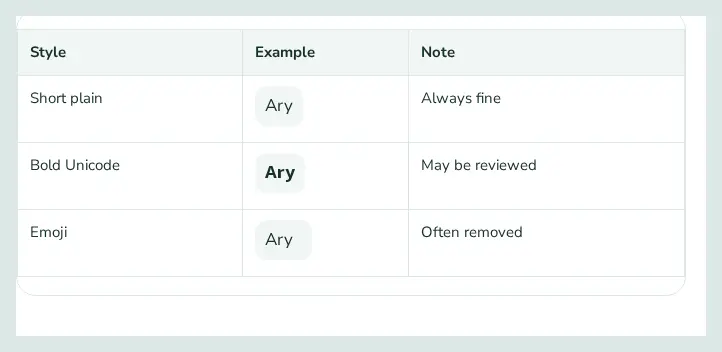
Style × example × note.
| Style | Example | Note |
|---|---|---|
| Short plain | Always fine | |
| Bold Unicode | May be reviewed | |
| Emoji | Often removed |
Nickname vs. profile name
The profile name follows the real-name rule; the nickname is more flexible but still reviewed.
Facebook reviews profile names; a styled name may be rejected or later asked to be changed, so keep your real name readable.
Try the full name generator to style your own name.
Was this article helpful?
One tap tells us what to improve.
Thanks for your feedback!