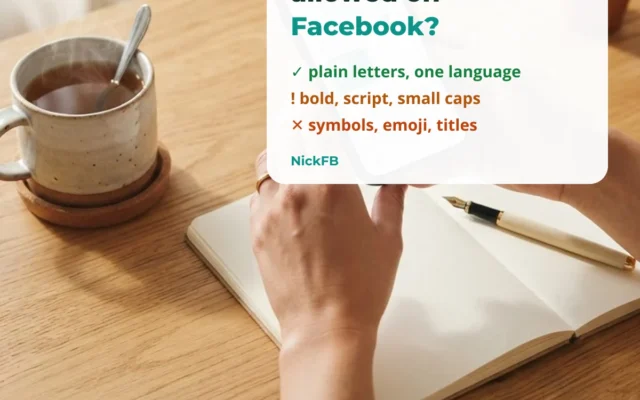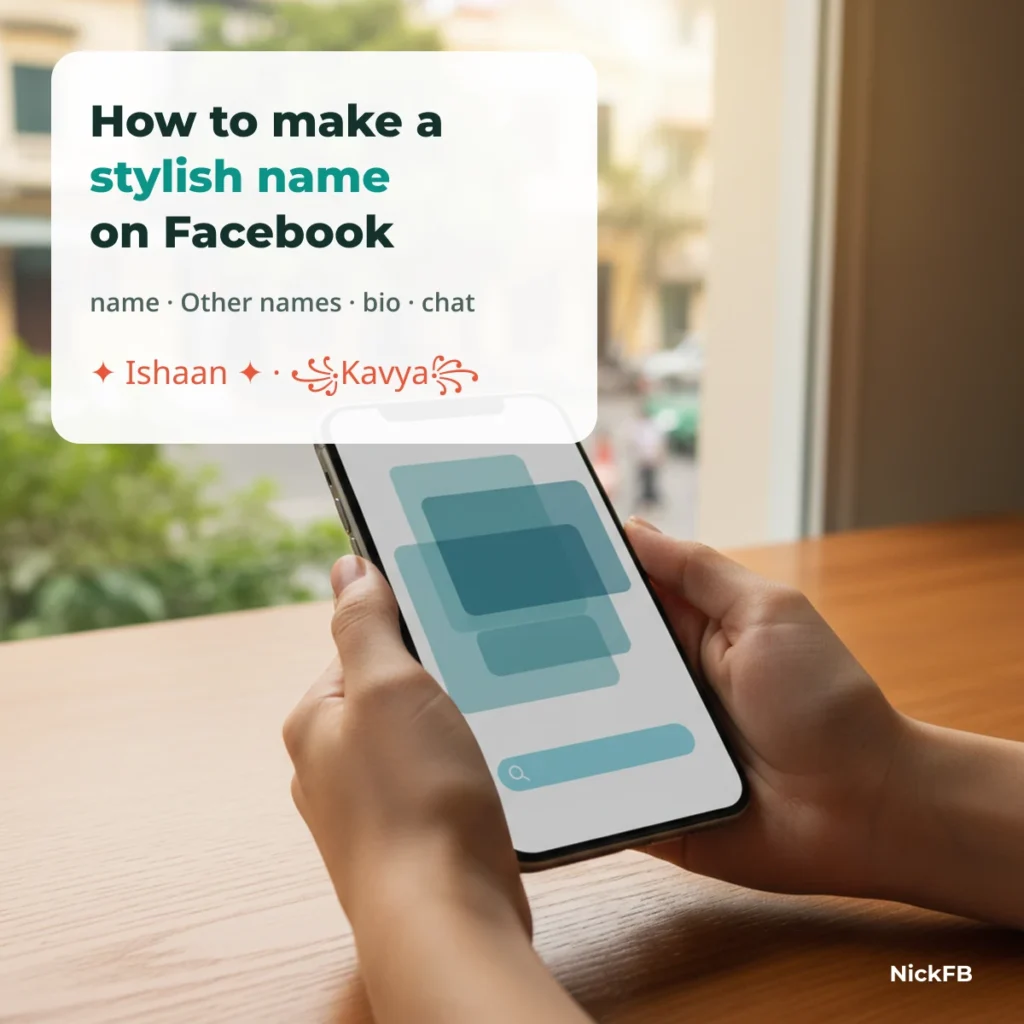
Making a stylish name on Facebook means pasting a name written in Unicode letters or symbols into the right field. Plain letters belong in your profile name, styled letters are risky there, and symbols or emoji fit Other names, your bio and Messenger chat nicknames.
48 stylish names sorted by the field they fit
Each person below has four versions: the profile name, a styled version, a bio version and a Messenger nickname. Tap to copy. The verdict shows what would happen if you used that exact text as your main Facebook name.
| Style | Facebook verdict (main name) | Best place |
|---|---|---|
| ✓ Passes | Profile name | |
| ! Risky | Other names or bio | |
| ✕ Rejected | Bio (intro) | |
| ✕ Rejected | Messenger nickname | |
| ✓ Passes | Profile name | |
| ! Risky | Other names or bio | |
| ✕ Rejected | Bio (intro) | |
| ✕ Rejected | Messenger nickname | |
| ✓ Passes | Profile name | |
| ! Risky | Other names or bio | |
| ✕ Rejected | Bio (intro) | |
| ✕ Rejected | Messenger nickname | |
| ✓ Passes | Profile name | |
| ! Risky | Other names or bio | |
| ✕ Rejected | Bio (intro) | |
| ✕ Rejected | Messenger nickname | |
| ✓ Passes | Profile name | |
| ! Risky | Other names or bio | |
| ✕ Rejected | Bio (intro) | |
| ✕ Rejected | Messenger nickname | |
| ✓ Passes | Profile name | |
| ! Risky | Other names or bio | |
| ✕ Rejected | Bio (intro) | |
| ✕ Rejected | Messenger nickname | |
| ✓ Passes | Profile name | |
| ! Risky | Other names or bio | |
| ✕ Rejected | Bio (intro) | |
| ✕ Rejected | Messenger nickname | |
| ✓ Passes | Profile name | |
| ! Risky | Other names or bio | |
| ✕ Rejected | Bio (intro) | |
| ✕ Rejected | Messenger nickname | |
| ✓ Passes | Profile name | |
| ! Risky | Other names or bio | |
| ✕ Rejected | Bio (intro) | |
| ✕ Rejected | Messenger nickname | |
| ✓ Passes | Profile name | |
| ! Risky | Other names or bio | |
| ✕ Rejected | Bio (intro) | |
| ✕ Rejected | Messenger nickname | |
| ✓ Passes | Profile name | |
| ! Risky | Other names or bio | |
| ✕ Rejected | Bio (intro) | |
| ✕ Rejected | Messenger nickname | |
| ✓ Passes | Profile name | |
| ! Risky | Other names or bio | |
| ✓ Passes | Bio (intro) | |
| ✕ Rejected | Messenger nickname |
Verdicts follow Facebook’s name standards as written. None of these names has been tested on a real profile by NickFB yet; when a reader reports a result, we add it here with the date.
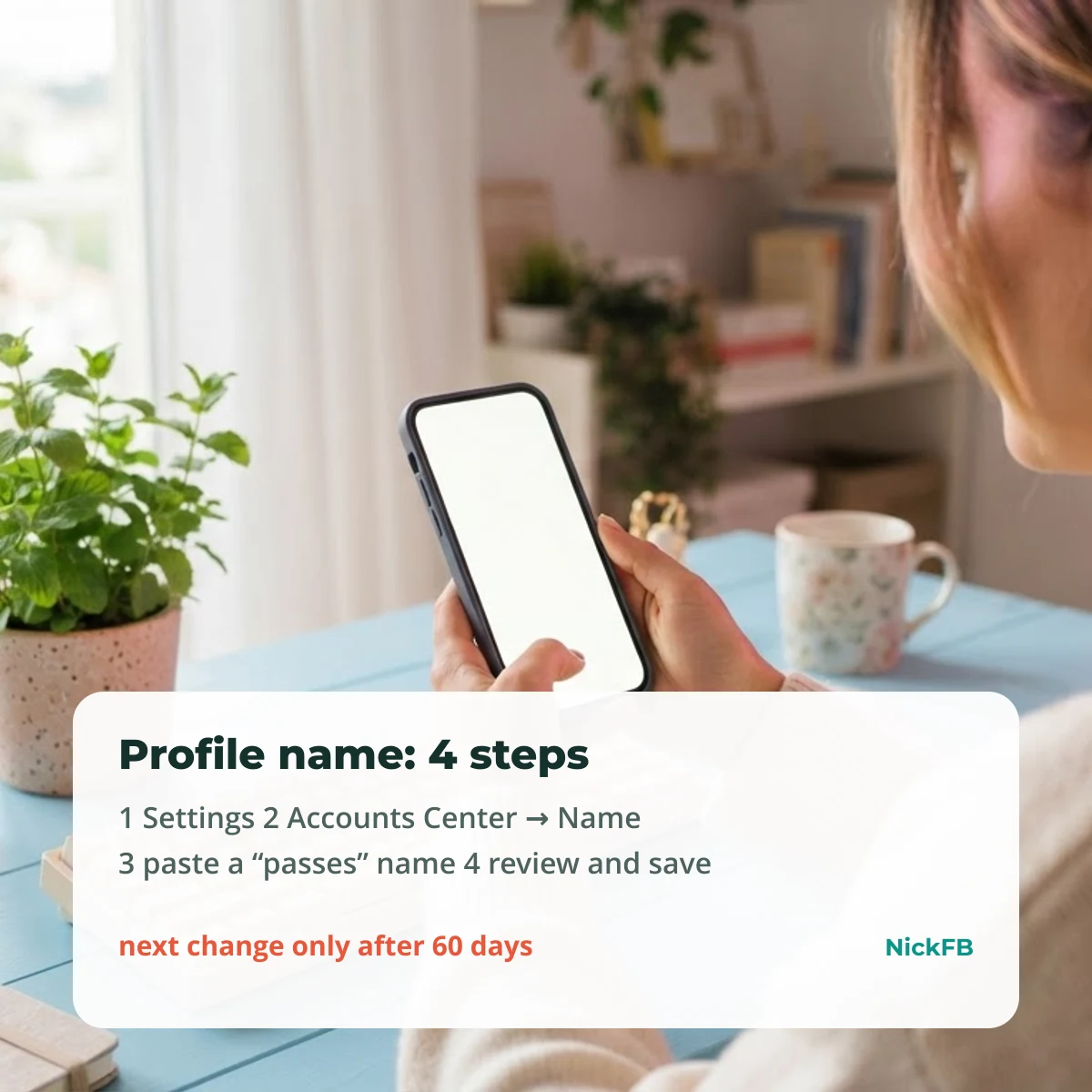
Step 1: Change your profile name (app or computer)
- Open Facebook and go to Settings.
- Open Accounts Center, choose your Facebook profile, then Name. (Older menus: Settings → Personal and account information → Name.)
- Paste a name marked passes in First and Last name. Bold or script letters are risky: Facebook may accept them and ask you to change them later.
- Tap Review change, choose how the name appears, enter your password and save.
After a name change Facebook does not let you change it again for 60 days, as its Help Center explains. Pick carefully, because a refused or reverted style still uses up that change.
Step 2: Add a styled nickname in Other names
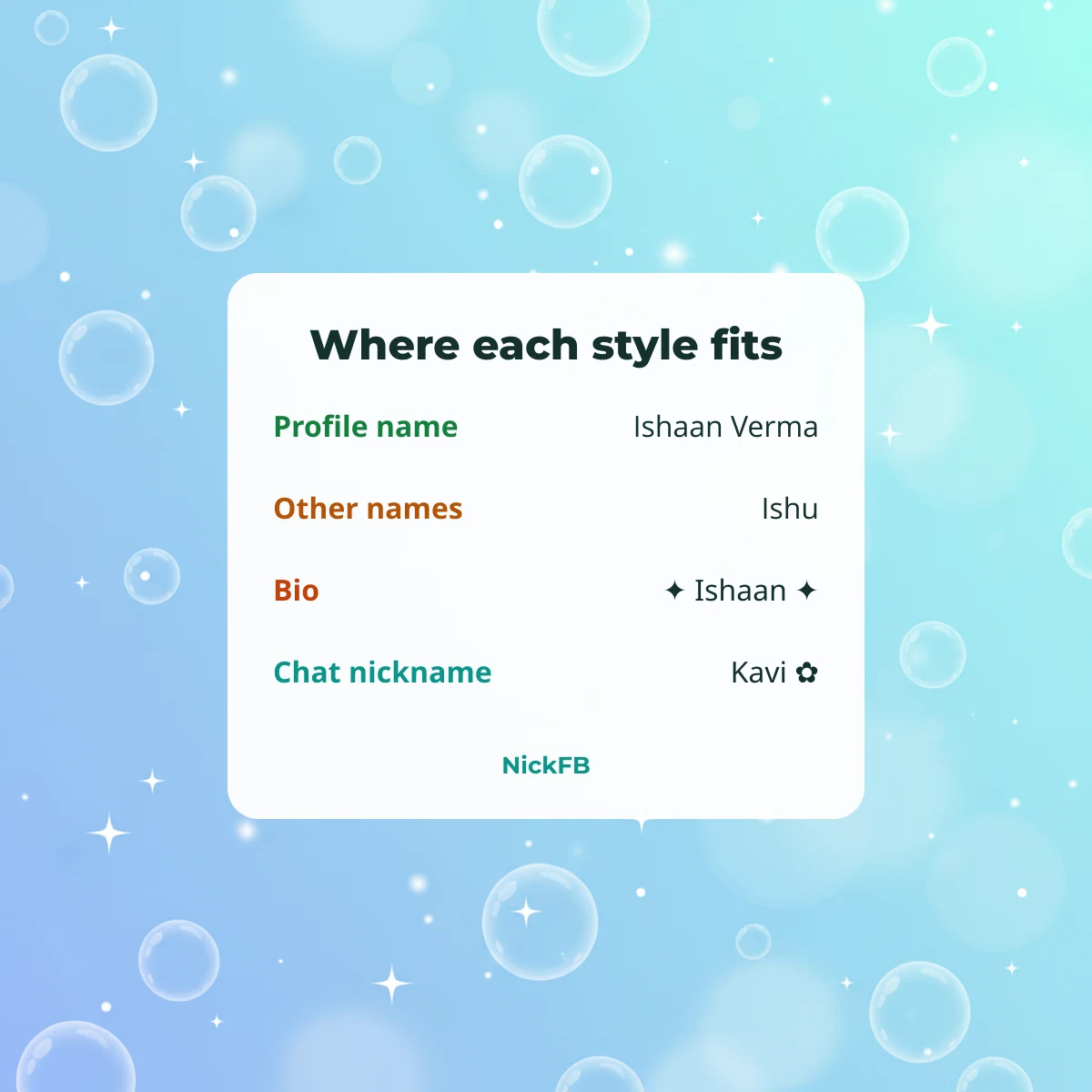
Go to your profile, tap About (or Edit profile → About info), find Names or Other names, and add a nickname. You can choose to show it at the top of your profile next to your main name. Short plain nicknames are the safest; styled letters here are less strict than in the main name but can still be reviewed.
Step 3: Put the decorated version in your bio
The bio (intro) on your profile allows up to 101 characters and is not reviewed like a name, so frames, hearts and emoji fit here. Remember that one emoji or styled letter can count as two characters.
Step 4: Set a Messenger chat nickname
In a Messenger chat, tap the person’s name at the top, then Nicknames, pick a person and type or paste a nickname. Chat nicknames only show in that conversation and are not your profile name, so decorated styles are the usual choice here.
Making a stylish Facebook Page name
A Facebook Page goes through its own name review, separate from your profile. Pages are meant to use the real name of the business, brand or creator, so heavy symbols and styled letters are often refused. NickFB has not verified a result on a Page yet; if you try one, tell us below.
If Facebook does not accept your stylish name
If Facebook refuses the change, the name simply is not saved and your old name stays. Sometimes a name is accepted and later Facebook asks you to confirm it or to change it. Do not keep retrying styled versions: go back to a plain version for the main name and use the styled one in Other names or your bio.
Symbols to copy for your bio and chats
These go where symbols are allowed: your bio, posts, comments and chat nicknames. All are rejected in a main profile name.
Hearts and stars for your bio
Emoji sets for your bio
Kaomoji for posts and chats
Did your name pass Facebook?
Tried one of these on your profile? Email [email protected] with the exact name (copy and paste it), whether Facebook accepted it, asked you to change it or rejected it, and the date. Do not send your profile link or login details. The NickFB Editorial Team checks every report before a verdict changes and never publishes who sent it.
FAQ
How can I generate a stylish name?
Type your name in the generator on the NickFB home page, then tap any style to copy it. Each result shows whether it passes, is risky or is rejected as a main Facebook name.
Can I use a fake name on Facebook?
No. Facebook asks you to use the name you go by in everyday life. A stylish name should still be your real name, just written differently, and the plain version is the one that passes.
How do I edit my display name on FB?
Go to Settings, open Accounts Center, choose your Facebook profile and tap Name. Enter the new name, review it and save. You then have to wait 60 days before the next change.
How do I write my name in stylish?
Swap normal letters for Unicode look-alikes such as bold 𝐀 or script 𝒜, or add symbols like ✦ and ꧁꧂. Copy a ready-made style from this page instead of typing it, so every character is correct.
Want to see your own name styled? Type it into the generator on NickFB and check the verdict before you paste it.
Last updated: 9 October 2026 · NickFB Editorial Team
Was this article helpful?
One tap tells us what to improve.
Thanks for your feedback!